Your profile: photo, language and appearance
How you appear to the team, the language the app speaks to you, light or dark looks, and your calendar connections — all self-service.
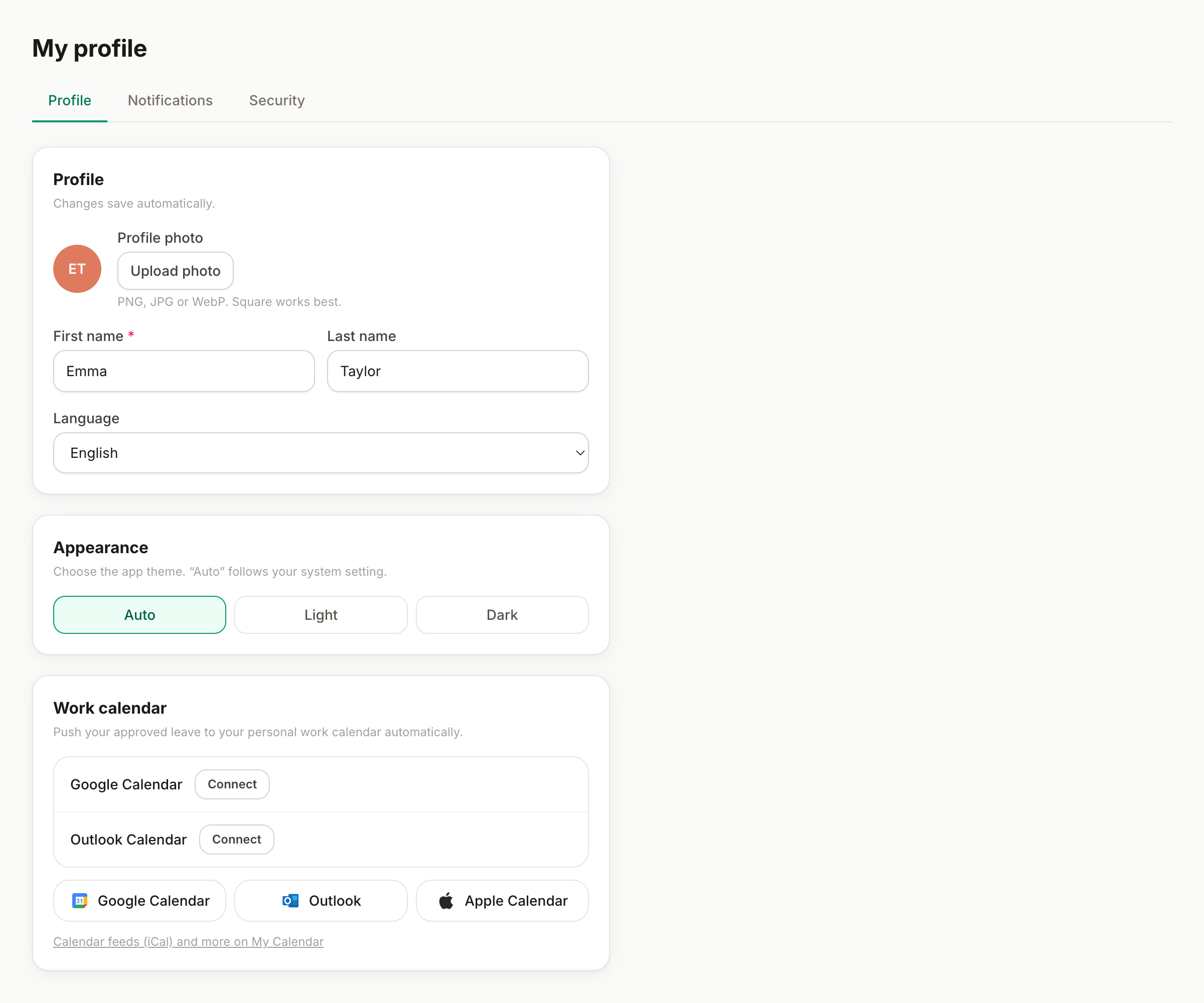
My profile (your avatar, top right → My profile) is your corner of Bueggio HR: how you appear to the team, which language the app speaks to you, how it looks, and a shortcut to your calendar connections. Everything here is yours to change — no admin needed.
Photo and name
- Photo — upload a PNG, JPEG or WebP and it replaces your initials everywhere: wall chart, requests, approvals. Remove it any time and the initials come back.
- Name — how you appear on the wall chart and in notifications to your approvers.
Language
The app and every email it sends you follow your language — English, Italian, French or Spanish, independent of what the rest of the organization uses. Approvers receive notifications in their language, whatever language the requester works in.
Appearance
Three choices: System (follows your device, dark at night if that's how you roll), Light, Dark. It's per-account: your phone and your computer look the same once you've picked. There's also a quick day/night toggle in the avatar menu.
Your calendar, one card away
The Profile tab also carries your calendar connections — connect Google Calendar or Outlook, or grab your personal iCal feed, without leaving the page. The full story is in the calendar guide.
Good to know
- Your allowance shows at the top of the avatar menu — days remaining at a glance, from any page.
- Role, department and allowance are managed by your admins (in Settings → Team) — if something's off there, that's who to ask.
- The other two tabs of My profile have their own guides: Notifications and Security.