One-click approvals from email
Signed personal links, a scanner-proof confirmation page, 7-day expiry — and why you should never forward an approval email.
The fastest approval is the one that doesn't need an app: every request email carries Approve and Decline buttons that work without logging in — on your phone, from the beach, in the seconds between two meetings. Here's exactly how they work and why they're safe.
Anatomy of the email
When someone's request routes to you, the notification email shows the person, type, dates, allowance impact — and two buttons:
- Approve — opens a small confirmation page with one button. Click it, done, the requester is notified.
- Decline — opens a page asking for the reason (required, as everywhere), then confirms.
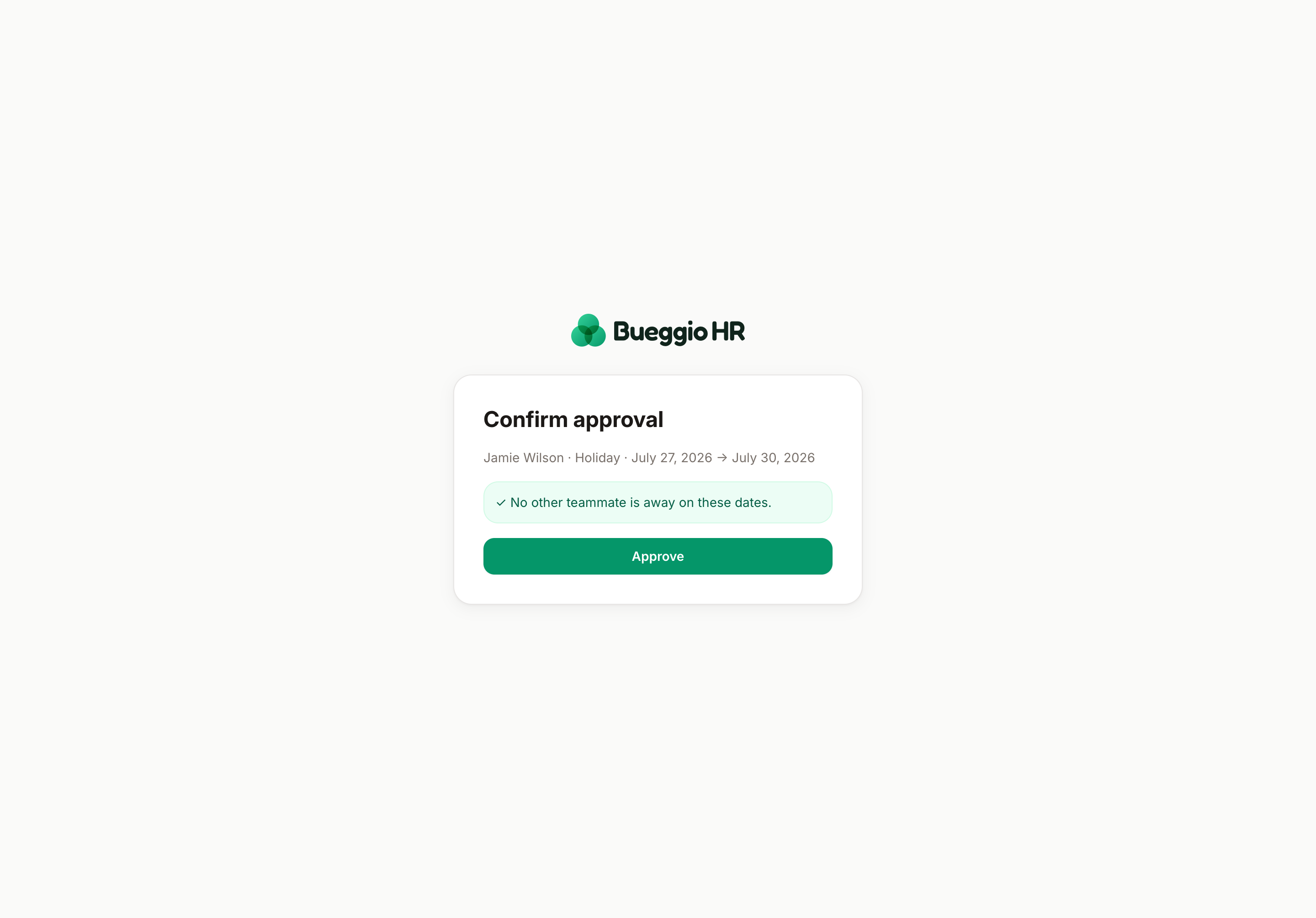
Why there's a confirmation page
Email scanners and link previewers "click" links all the time. That's why the buttons never decide directly: the decision only happens on the confirm click, which scanners don't perform. One extra tap for you, zero ghost approvals for everyone.
Why it's safe without a login
- Each link is personal and signed — it identifies you cryptographically, and the decision is recorded in your name, exactly like an in-app decision.
- Links expire after 7 days. Older requests are decided from the app.
- Corollary: don't forward the email. Whoever clicks your link decides as you. Want a colleague to take it? Let it route to them or decide from the app.
When the link has expired
The page tells you plainly. Open Requests in the app — the request is still waiting there. (A week-old pending request also deserves a small apology with the decision.)
Related
- Microsoft Teams cards use these same signed links — the Teams guide covers the setup.
- Prefer chat-native buttons? Slack approvals are interactive DMs.
- One email per request too chatty? Switch to digests.