Follow, cancel and read your requests
The four states of a request, cancelling with days returned, why there's no edit, and the timeline that remembers everything.
A request isn't fire-and-forget: it has a life — pending, decided, maybe cancelled — and a memory. This guide covers following your requests, changing your mind, and reading the timeline that records everything.
The four states
| State | Meaning | On the wall chart |
|---|---|---|
| Pending | Waiting for your approver; days reserved | Hatched bar |
| Approved | Confirmed; synced calendars updated | Solid bar |
| Declined | Refused, always with a reason | Not shown |
| Cancelled | Withdrawn; days returned | Not shown |
Where to follow them
My requests lists everything with its status; My calendar shows your year at a glance. Click any request — there or on the wall chart — to open its detail.
Cancel a request
Open the request and hit Cancel booking. It works on pending requests (changed your mind before the decision) and approved ones (plans changed):
- The days go straight back to your allowance.
- Events pushed to synced calendars are removed.
- Your approver is informed if the booking was already approved — no awkward surprises on the chart.
There's no "edit": to change dates, cancel and rebook. It's deliberate — every version of the truth stays in the history, and approvals always refer to exact dates.
The timeline
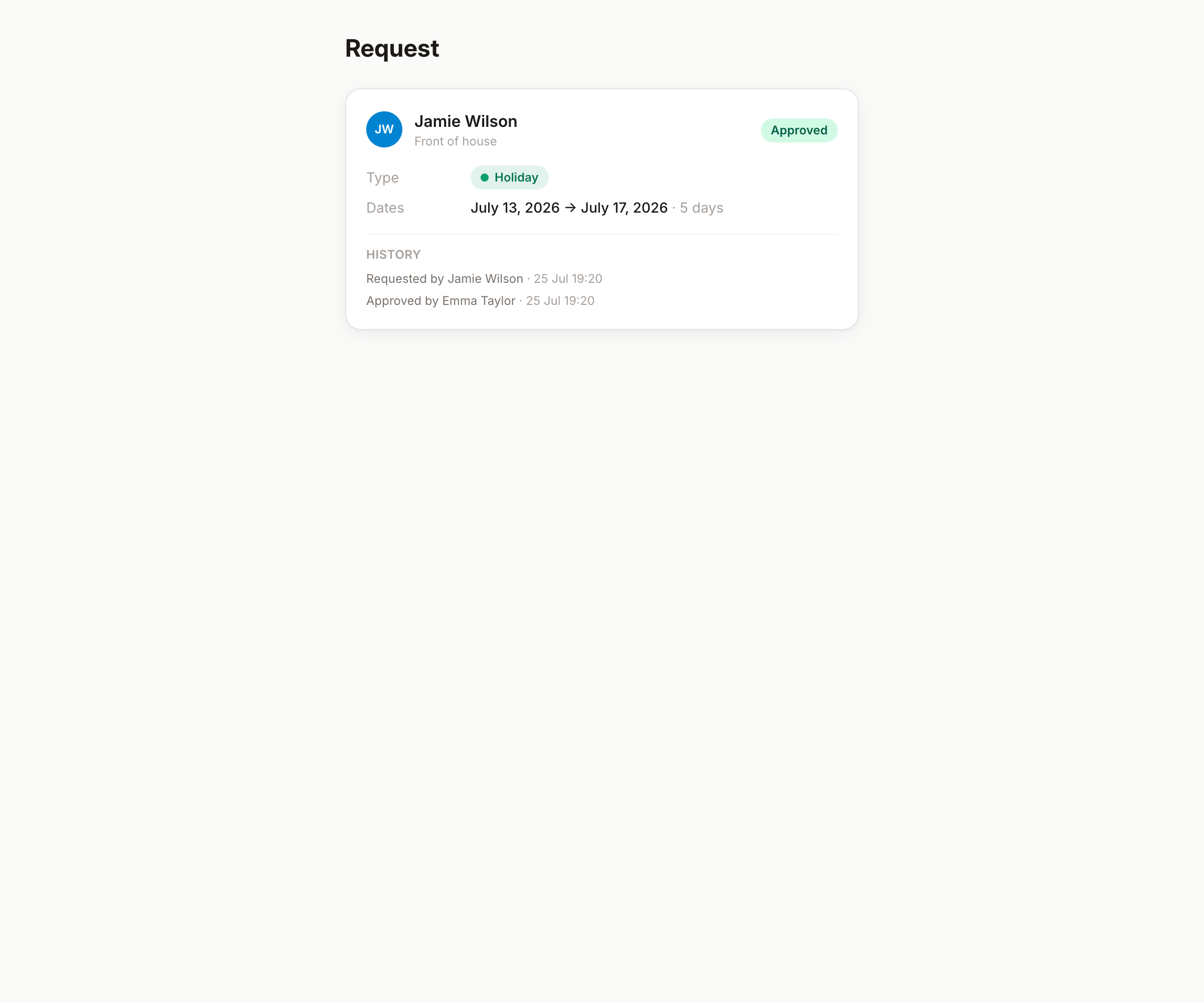
Every request carries an append-only timeline: created, approved or declined (by whom, when, why), cancelled. Decline reasons live here too. It's your receipt — if there's ever a "but I requested it!" conversation, the timeline settles it kindly.
Declined — now what?
The decline arrives with its reason (your approver must give one). Nothing is deducted. Read it, adjust — different dates, shorter span — and book again; the new request is fresh, not a resubmission.
Good to know
- An approver can also cancel a booking on your behalf (you'll be notified with a note) — useful when plans change while you're already away.
- Attachments on a request stay visible in its detail — to you and to those who approve for you.
- Waiting long? Approvers see reminders in their queue, but a friendly word works too — decisions are human by design.