How to Choose a Leave Management System: The 2026 Guide
How to choose a leave management system in five steps: the must-have checklist, the real cost at your headcount, five systems worth shortlisting in 2026 with verified prices, and the mistakes that make teams overbuy.
Choosing a leave management system comes down to four moves: map how a request travels today, write down your hard requirements (countries, integrations, privacy), compute the real monthly total for your actual headcount, then trial the favourite on a month of real requests. For small and mid-sized teams the shortlist to beat starts with Bueggio HR: everything included at €1.30 per user per month, EU-hosted and GDPR-first, first month free with no card.
Every vendor's homepage promises the same three things: save time, avoid errors, keep everyone happy. True, and useless when you actually have to pick one. This guide is the missing piece. Not what a leave tracker is (our complete guide to leave management software covers that) but how to choose one: what to demand, what to ignore, what it should really cost, and which systems deserve a place on a 2026 shortlist.
The advice is opinionated on purpose. It comes from building a leave tracker ourselves and from comparing the main tools feature by feature and price by price. Every number below was verified on the vendors' pricing pages in August 2026; prices change, so confirm on the linked sites before you sign.
What a leave management system does, in one minute
A leave management system centralizes the cycle request → approval → wall chart. The employee picks dates and a leave type from their phone; the right person gets a notification and decides with one click; the system updates the remaining balance, marks the absence on the shared wall chart and syncs the calendars. The value isn't the screens, it's the automation underneath: the system knows each person's working week, deducts only working days, applies the right public holidays per person and keeps a record of every decision. For the full tour of the category, features and scenarios, start from the pillar guide; this article assumes you're already convinced and helps you buy well.
The benefits, by who feels them
For the company and the managers
Four things change. Time comes back: nobody chases requests through inboxes or recomputes balances by hand. Balance errors stop reaching payroll: days deduct themselves against the right working days and holidays, so year-end surprises disappear. Decisions get context: before saying yes, the approver sees who else is off that week, so coverage problems get avoided instead of discovered. Confidentiality becomes structural: sickness details stay between the employee and the people who must know, instead of sitting in a spreadsheet everyone can open.
For employees
The system answers the two questions people actually have, instantly and without asking anyone: "how many days do I have left?" and "who's off next week?". Requests take seconds from a phone, the answer arrives as a notification instead of silence, and the rules are visibly the same for everyone. That transparency is quietly the biggest cultural win: time off stops being a negotiation with a gatekeeper and becomes a process with a status.
The must-have checklist
Feature grids are long by design: length flatters the vendor. In daily use, six things decide whether the system works. Take this table to every demo.
| Must-have | Why it matters | What to ask the vendor |
|---|---|---|
| Booking from a phone, decision in one click | Adoption lives or dies on friction | Can my team book in under a minute from a phone? |
| Approvals where managers already are | A tool that demands logins loses to chat | Can approvers decide from the email, Slack or Teams notification itself? |
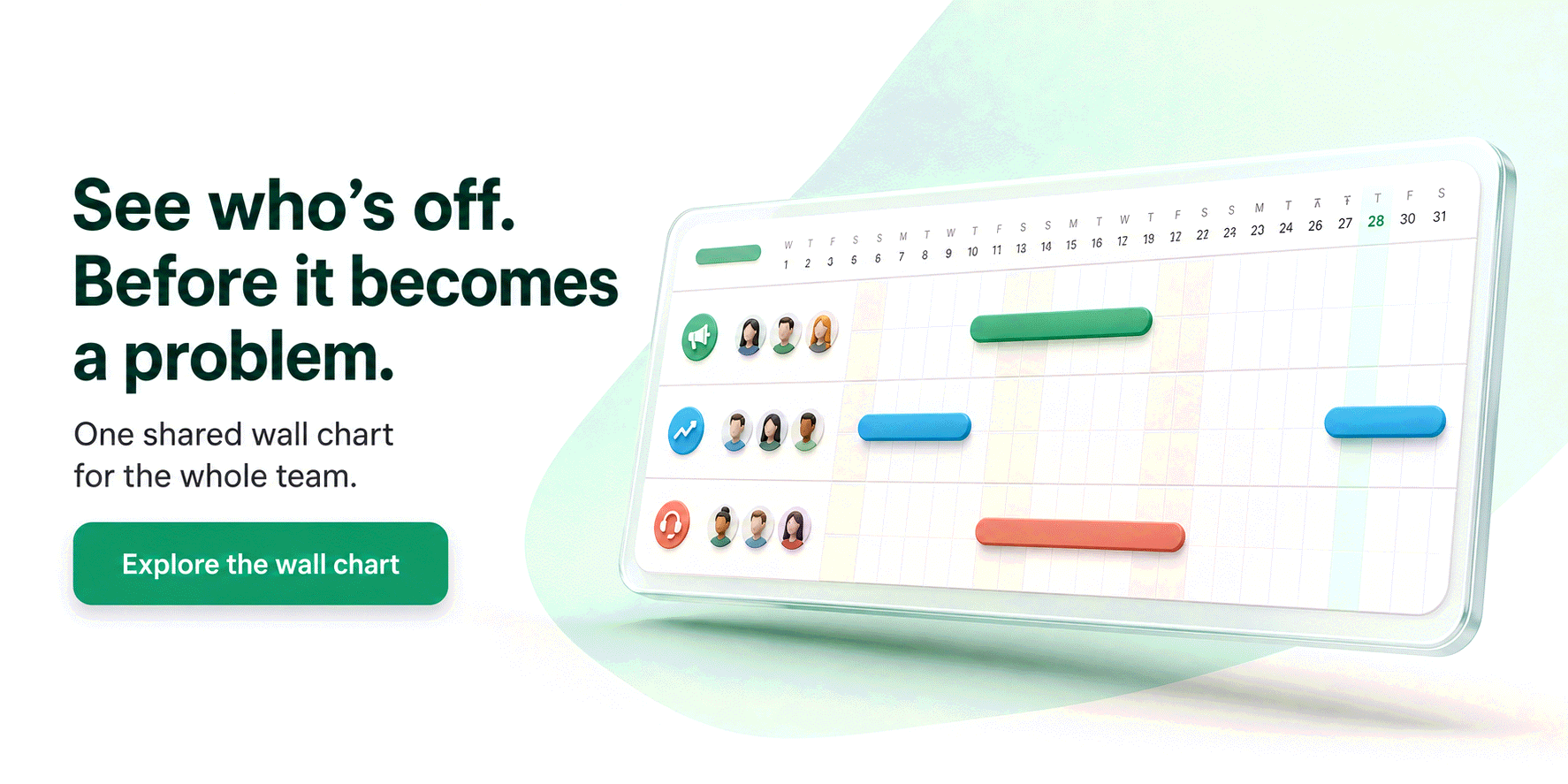
| Shared wall chart with automatic balances | One source of truth ends the "days left?" emails | Do balances update on approval, half days included? |
| Country-correct rules and public holidays | Wrong holidays mean silently wrong balances | Are holidays set per person, and are local rules (Italian ROL, French RTT, Spanish convenios) built in? |
| Calendar, Slack/Teams and API integrations | Leave must appear where work is planned | Is calendar sync included, or a higher tier? |
| GDPR by design: EU hosting, export, erasure | Absence data is sensitive by inference | Where is the data hosted, and can I export and erase it myself? |
Everything else (accrual exotica, org charts, timesheets, performance modules) is either a nice-to-have or a different product wearing the same badge. For a small team, extra modules aren't a bonus: they're cost, onboarding time and noise.
How to choose: five steps
1. Map how a request travels today
Before comparing tools, write down your current flow honestly: the employee asks in chat, the manager checks a spreadsheet, someone updates it, payroll double-checks at month end. Count the hops and the hands. That map is your baseline: every hop is friction the system should remove, and it tells you which pain is actually worth paying for. If your current method is a spreadsheet or a shared calendar, our comparison of ways to track vacation time shows exactly where each one breaks.
2. Write down your hard requirements
Two short lists: must-have and nice-to-have. The must-haves usually reduce to four questions. Which countries do you employ people in? (If the answer includes Italy, France or Spain, country depth is non-negotiable: ROL and ex-festività as hour balances, RTT and jours ouvrés counting, convenio extras.) Where must approvals happen: email, Slack, Teams? Do you have coverage teams (a shop, a restaurant, a support desk) that need a cap on simultaneous absences? And what does your privacy officer require: EU hosting, a signed DPA, export and erasure built in?
3. Shortlist two or three and compute the real price
Ignore the per-user sticker and compute the monthly total for your actual headcount. Minimums and modules distort small-team prices dramatically: a 10-person team pays €13 a month with Bueggio HR, but at least $25 with Vacation Tracker (its Core minimum) and about €20 with Calamari's Time Off module alone, which also requires 10 seats. Add the cost of paid add-ons (SSO is a frequent one) and check whether the advertised price assumes yearly billing. The honest number is the yearly total, at your size, with the features you listed in step 2.
4. Trial on a month of real requests
A demo shows what the vendor wants you to see; a trial on real requests shows what your team will actually live with. Book real leave from a phone. Decline one request and see whether the system records a reason. Check the public holidays it loaded for your countries against a calendar. Invite your most skeptical manager and your busiest employee, not just HR. A month is the right length: it covers a full payroll cycle and the novelty wears off, which is exactly when adoption is measured.
5. Decide, roll out, and check it scales
Rollout for a dedicated system is a day: import people, confirm allowances, announce it in the team channel, archive the spreadsheet. The scaling question is about the price curve, not the technology: will adding a department, a second country or an integration force you into a higher tier? A single all-inclusive per-user price means the tool you chose at 8 people is the same tool at 80, with no re-purchase conversation in between.
Five systems to shortlist in 2026
These five cover the realistic range for a small or mid-sized team, from single-purpose trackers to a modular suite. Prices were verified in August 2026 on the vendors' pages; for a broader ranking see our best leave tracking apps, and for head-to-head detail the comparison hub.
| System | Best for | Price from |
|---|---|---|
| Bueggio HR | Small and mid-sized teams, EU privacy, country rules | €1.30/user/month, everything included, no minimum |
| Timetastic | UK teams wanting the simple classic | £1.20 Business, £2.00 Pro, per user/month |
| Vacation Tracker | Teams that live in Slack or Teams | Core $2, Complete $4 per user/month, $25 to $100 monthly minimums |
| Leave Dates | The smallest budgets | Starter £0.75, Essential £1.50, Plus £1.88 per user/month billed yearly |
| Calamari | Teams that also want attendance modules | Time Off €2 per user/month billed yearly, per module, 10-seat minimum |
Bueggio HR is the pick this guide's checklist describes: booking from a phone, approvals with one click from email, Slack and Teams, a shared wall chart with automatic balances, and country depth done seriously (Italian ROL and ex-festività, French RTT, Spanish convenios, 45+ holiday countries). It's EU-hosted and GDPR-first, with export and erasure built in, and the price is one line: €1.30 per user per month, everything included, no minimum, first month free without a card.
Timetastic is the category's likeable UK classic: clean, fast, genuinely simple. Business costs £1.20 (about €1.40) per user/month and covers the core; calendar integrations beyond feeds, absence insights and SSO sit on the £2.00 Pro tier. Strong choice for UK-centric teams; see the full Timetastic comparison for where it thins out.
Vacation Tracker is the Slack-and-Teams-first option, and if your company lives in chat it's a serious contender. The catch for small teams is the pricing floor: Core is $2 per user/month with a $25 monthly minimum, Complete is $4 with higher floors, so a 5-person team pays for 12. Details in our Vacation Tracker comparison.
Leave Dates has the cheapest entry ticket (Starter at £0.75 per user/month billed yearly) and a well-earned ease-of-use reputation. The trade-off is tiering: calendar sync, API and several everyday features spread across Essential (£1.50) and Plus (£1.88), and monthly billing drops the 25% discount. Our Leave Dates comparison does the tier math.
Calamari is the modular one: Time Off, attendance and performance sold separately (Time Off is €2 per user/month billed yearly, SAML SSO a paid add-on) with a 10-seat minimum. As an EU company it's honest on GDPR, and it suits teams that really will use the clock-in module. If you only need leave, the modules are weight; see the Calamari comparison.
The mistakes that cost the most
Buying a suite for one module. If leave is the problem, an HR platform with payroll, reviews and an org chart is three products you'll pay for and one you'll use. Suites also tend to treat leave as a checkbox: thin country rules, clunky approvals, wall chart as an afterthought.
Comparing stickers instead of totals. "$2 per user" and "a $25 minimum" are very different sentences for a team of eight. Compute the yearly total at your headcount, with add-ons, before falling in love with a logo.
Choosing without the people who'll use it. The buyer is often HR or the founder; the daily users are employees on phones and managers in inboxes. If they don't touch the trial, you're buying blind, and adoption is the only metric that matters.
Treating privacy as fine print. Absence data is sensitive by inference (a sick leave reveals health; a certificate is special-category data under GDPR Article 9). Where the data lives, who can read it and how it's erased are selection criteria, not questions for after the contract.
Frequently asked questions
What is a leave management system?
It's the tool that runs the whole life cycle of time off: an employee requests leave, the right approver gets notified and decides, and balances, the shared wall chart and calendars update by themselves. It replaces the email-plus-spreadsheet routine with one source of truth, applies each country's rules and public holidays, and keeps sensitive absence data confidential.
What is the difference between a leave management system and HR software?
A leave management system does one job: requests, approvals, balances and the shared calendar. HR software bundles that with payroll, performance reviews, org charts and recruiting. If time off is the problem you're solving, the dedicated system is cheaper, adopted faster and usually deeper on country rules. Buy the suite only if you genuinely need several of its modules.
How much does a leave management system cost?
Dedicated systems cost roughly €1 to €5 per user per month. Watch the fine print rather than the sticker price: monthly minimums (Vacation Tracker starts at $25 a month), per-module pricing (Calamari) and paid add-ons like SSO can double the real total for a small team. Bueggio HR is €1.30 per user per month with everything included, no minimum, first month free.
How long does it take to implement a leave management system?
For a small team, a day. Setup means importing people, confirming leave types and allowances, choosing approvers and inviting everyone; a good system ships with country defaults, so most of the work is confirming rather than configuring. If a vendor talks about implementation in weeks, it's solving a different problem than a team of ten has.
What is the most common mistake when choosing a leave management system?
Choosing on the feature grid instead of the daily flow. The grid says yes to everything; what decides adoption is whether an employee can book from a phone in seconds and whether the manager can approve without logging in. The second most common mistake is comparing sticker prices instead of the real monthly total for your headcount, with minimums, modules and add-ons counted.
The bottom line
Choosing a leave management system doesn't need a committee. Map today's flow, fix your hard requirements, compute the real total at your headcount, and let a month of real requests decide. The checklist has six lines; anything a vendor adds beyond it should lower the price, not raise it. Bueggio HR was built to be the easy pick on exactly those six lines: everything included at €1.30 per user per month, EU privacy by design, and a free first month with no card to run the only test that counts.