The 6 Best Leave Tracking Apps in 2026 (Ranked & Compared)
We ranked the six best leave tracking apps of 2026 by simplicity, integrations, country coverage and honest pricing, with every price verified. Bueggio HR leads; see who fits Slack-first, free-tier and attendance needs.
Short answer: the best leave tracking app for most small and mid-sized teams in 2026 is Bueggio HR: one wall chart for the whole team, requests from a phone, one-click approvals from email, Slack or Teams, country-correct holidays and allowances, EU hosting, and one transparent price (€1.30 per user/month, first month free). Slack-centric teams should shortlist Vacation Tracker, teams that also clock in should look at Calamari, and a nine-person team can start free on LeaveBoard.
Every team tracks leave somehow. The question is how much time and goodwill the method burns. A spreadsheet silently eats a manager's Friday; an oversized HR suite buries a simple request under modules nobody asked for. The sweet spot is a dedicated leave tracker app: small enough to adopt in a day, smart enough that balances, holidays and approvals take care of themselves.
This guide ranks six leave tracking apps by the job they do best. Teams search for the same thing under different names (leave tracker app, employee holiday app, annual leave app, leave planner app), but the job never changes: know who is off, approve quickly, keep every balance right. The ranking favors simplicity, mobile experience, chat and calendar integrations, country coverage, privacy, and honest pricing. All prices below were verified on the vendors' pricing pages in July 2026; they can change, so confirm on the linked sites before you buy.
The ranking at a glance
| Rank | App | Best for | Price (per user/month) | Free option |
|---|---|---|---|---|
| 1 | Bueggio HR | Best overall: simplicity, EU privacy, country rules | €1.30, one plan | 1 month trial, no card |
| 2 | Timetastic | UK teams and spreadsheet refugees | £1.20 (Pro £2.00) | 30-day trial |
| 3 | Vacation Tracker | Slack- and Teams-first teams | $2 Core / $4 Complete (min. $50/$100 per month) | 14-day trial |
| 4 | Calamari | Leave plus clock-in and attendance | from ~$2 (10-seat minimum) | 14-day trial |
| 5 | LeaveBoard | Micro teams on a zero budget | free ≤ 9 people, then $1.35 | Free plan |
| 6 | absence.io | DACH teams wanting German hosting | €2.99–€7.99 | 14-day trial |
1. Bueggio HR: best leave tracking app overall
Best for: small and mid-sized teams anywhere that want an employee leave tracker app running in a day, with EU-grade privacy.
Bueggio HR takes first place because it does one thing (leave tracking) and refuses to complicate it. The whole product is the flow every team actually needs: an employee books time off from their phone, the approver gets one notification and decides with one click, and the shared wall chart, the balances and everyone's calendars update by themselves. The wall chart doubles as the team's leave planner app: who is off, when, and where the crowded weeks are, at a glance. There is no module maze and nothing to configure beyond your leave types and working week.
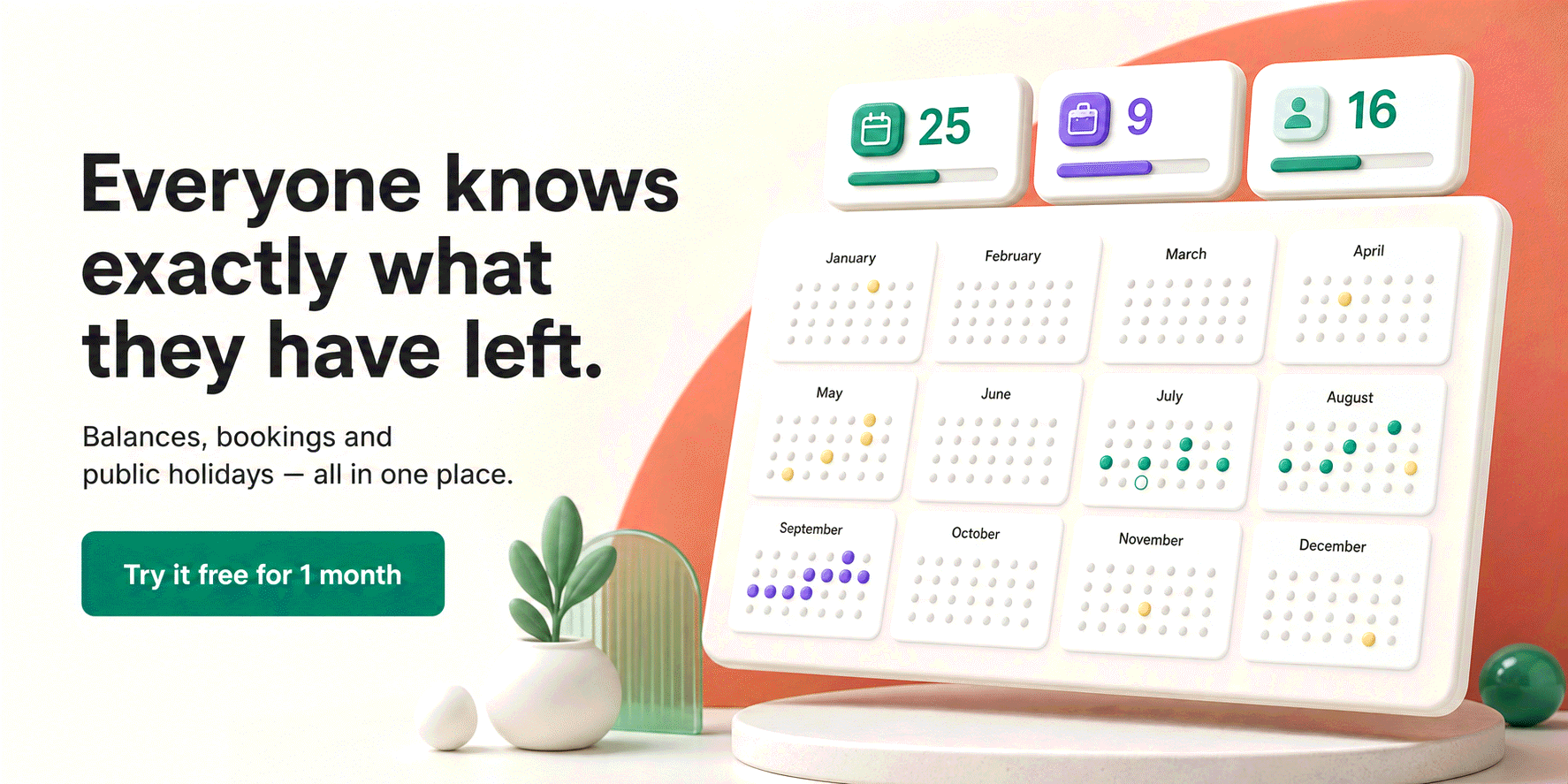
Three things set it apart from the rest of this list. First, approvals live where managers already are: the email itself, Slack (interactive buttons and a /bueggio command) or Microsoft Teams, no login required. Second, country depth: public-holiday calendars for 45+ countries, per-person holiday countries for international teams, and built-in rules where leave is genuinely hard (Italian ROL and ex-festività hour balances, French RTT and jours ouvrés counting, Spanish convenio extras). Third, privacy as a feature, not a paragraph: EU hosting, GDPR-first data handling with export and erasure built in, and sickness details that stay off the wall chart. There's also an open API, webhooks and an MCP server if you want to automate.
Pricing is the simplest in the category: €1.30 per user per month, one plan with everything included, and the first month free with no card. For the price of one coffee a month per ten employees, the spreadsheet retires.
Potential limitation: it is deliberately not an HR suite. There is no payroll, no performance reviews, no org charts. If you need those in the same product, look at a broader (and pricier) platform.
2. Timetastic: best for UK teams
Best for: UK small businesses replacing the holiday spreadsheet with a proper annual leave app.
Timetastic more or less invented the modern "wall chart" leave tracker, and over 8,000 teams use it. The product is friendly and fast: a shared calendar, simple booking, allowance tracking, and a mobile app that employees genuinely use. Its scheduling, terminology and integrations are most at home in the UK market.
Pricing is honest and low: £1.20 per user per month, or £2.00 for Pro (which adds absence insights and locking, among other extras), with a 30-day trial. If your team is UK-based and you want the established employee holiday app, it's an easy recommendation.
Potential limitation: country depth beyond the UK is thinner. Continental specifics like RTT or ROL aren't its focus, and there's no EU-hosting pitch for privacy-sensitive buyers.
3. Vacation Tracker: best for Slack-first teams
Best for: teams that want to manage leave without ever leaving Slack, Teams or Google Workspace.
Vacation Tracker was built chat-first: requests, approvals and notifications all happen inside Slack, Microsoft Teams or Google Workspace, with a web dashboard behind them. For teams whose entire working life happens in a chat window, that's the shortest possible adoption path.
The Core plan is $2 per user per month and the Complete plan $4 (roughly 10% less billed annually), with a 14-day trial. Watch the minimums, though: plans start at $50 and $100 per month respectively, so a ten-person team effectively pays $5–10 per user. The small print matters more than the sticker price at small sizes.
Potential limitation: those monthly minimums make it one of the most expensive options per head for small teams, and holiday/compliance depth outside North America is lighter than the European specialists'.
4. Calamari: best for leave plus attendance
Best for: teams that need clock-in/clock-out and timesheets alongside leave.
Calamari is modular: a Time Off module for leave management and a Time & Attendance module for clock-ins, timesheets and presence, plus a Core HR module for employee records. If your reality includes shift work or legally required attendance records, having leave and attendance in one system beats stitching two products together. Slack and Teams integrations are solid.
The Time Off module runs about $2–2.50 per user per month billed yearly, with a $20/month, 10-seat minimum and a 14-day trial. Modules are priced separately, so the combined bill grows with each one you switch on.
Potential limitation: more moving parts means more setup than the single-purpose tools on this list, and if you only need leave tracking, you're paying the complexity tax without using the reason for it.
5. LeaveBoard: best free leave tracker
Best for: micro teams that want a real tool at zero cost.
LeaveBoard's pitch is disarming: free forever for up to 9 employees, with the essentials included (leave requests, approvals, balances, a team calendar and basic HR records). For a five-person studio with no budget line for software, that's a genuinely useful offer, and the PRO plan stays cheap at $1.35 per user per month when you outgrow it.
Potential limitation: the product is simpler across the board, with fewer integrations, a lighter mobile experience and thinner country/holiday depth than the paid picks above. The free tier is the reason it's on the list; evaluate the paid tier against the top three before committing beyond nine people.
6. absence.io: best for DACH teams
Best for: German-speaking teams that want German servers and a German-built product.
absence.io is made in Munich and Berlin, hosts on servers in Germany, and leads with GDPR compliance, a pitch that resonates with DACH buyers in particular. The Starter plan (€2.99 per user/month) covers absence and leave management with reports and the usual integrations; Pro (€4.99) adds time tracking and digital personnel files; Complete (€7.99) adds expenses and API access. 14-day trial, monthly or annual billing.
Potential limitation: to get capabilities the cheaper tools include by default (like API access), you climb tiers quickly: at €4.99–7.99 you're paying HR-suite money for what a dedicated leave tracker does at a third of the price.
How to choose a leave tracking app
Whether you went looking for a work holiday app, a PTO tracker or full leave management software, ignore feature grids and start from three questions. Where do approvals happen? If managers live in email or chat, the tool must decide there; a tool that forces logins will quietly lose to WhatsApp messages. Whose calendar rules apply? If you employ people in more than one country (or in Italy, France or Spain at all), country depth is the difference between correct balances and quiet payroll errors. What does it really cost at your size? Minimums and per-module pricing can triple a sticker price for a ten-person team; the honest comparison is the monthly total for your actual headcount. For a deeper look at the category's features, benefits and where it's heading, read our complete guide to leave management software.
And if you're not ready for software at all, start with a spreadsheet done properly: our free PTO tracker template for Google Sheets computes balances automatically and will tell you, by the time it hurts, exactly what you need from an app.
Frequently asked questions
What is the best leave tracking app in 2026?
For small and mid-sized teams, our top pick is Bueggio HR: one shared wall chart, mobile requests, one-click approvals from email, Slack or Microsoft Teams, built-in public holidays for 45+ countries, EU hosting with a GDPR-first design, and a single transparent price of €1.30 per user per month. Teams that live in Slack should also look at Vacation Tracker; teams that need clock-in as well as leave should look at Calamari.
How much does leave tracking software cost?
Dedicated leave trackers cost roughly €1–5 per user per month in 2026. At the affordable end, Bueggio HR is €1.30 and Timetastic £1.20 per user/month; mid-range options like Vacation Tracker and Calamari run $2–4 but often carry monthly minimums (e.g. $50/month or 10 seats), which raises the real price for small teams. Full HR suites cost several times more, worth it only if you need the extra modules.
What is the best free leave tracker?
LeaveBoard is free for up to 9 employees, which is hard to beat for a micro team. A well-built spreadsheet is also free at any size, but it means manual data entry, no approvals and no privacy. Most paid tools cost so little (from about €1.30 per user) that the upgrade usually pays for itself in saved admin time.
Do leave tracking apps work with Slack and Microsoft Teams?
The good ones do. Bueggio HR lets managers approve requests directly from Slack, Microsoft Teams or the email itself, and posts daily absence summaries to channels. Vacation Tracker goes furthest in the chat-first direction: it was built to be used from inside Slack, Teams or Google Workspace. Calamari and absence.io also ship Slack integrations.
Can I just use a spreadsheet to track leave?
Up to roughly ten people, yes: a good template with letter codes and COUNTIF formulas can compute balances automatically. Past that point the hidden costs appear: manual entry for every request, silent errors, and zero privacy around sick leave, which is special-category data under the GDPR. If you're starting there, use a template built for it, then upgrade when updating the sheet becomes someone's job.
The bottom line
Leave tracking is a solved problem in 2026, as long as you buy a tool shaped like the problem. Bueggio HR leads this ranking because it keeps the entire job simple (request → approve → wall chart), prices it at €1.30, and treats privacy and country rules as first-class features rather than checkboxes. Pick Vacation Tracker if Slack is your office, Calamari if attendance matters, LeaveBoard if the budget is zero, Timetastic in the UK, absence.io in DACH. And whichever you choose, try it on a real month of requests before you commit.